PesTrack
Sole Designer & Front-End Engineer · Figma / Next.js / React / JavaScript / HTML / CSS/SCSS / GitLab
Overview
PesTrack is a mobile-first lead generation tool built for Hawx Pest Control. It replaced a basic website form with a guided, step-by-step flow designed to capture richer lead data. Originally scoped to let customers fully sign up for service, the team pivoted to a lead-generation model where the flow creates a qualified lead and the customer receives a callback. Every screen was designed with no scrolling in mind, one question at a time, optimized for conversion on mobile devices.
The Challenge
The existing lead capture form on the website was a simple short form that didn't collect enough data to qualify leads effectively. Potential customers would fill it out but the sales team had little context when calling them back, leading to longer calls and lower conversion rates.
The Goal
Build a conversion-focused lead generation flow that captures detailed customer information - address, home type, pest issues, and contact details - so the sales team has everything they need before making the callback.
The Design
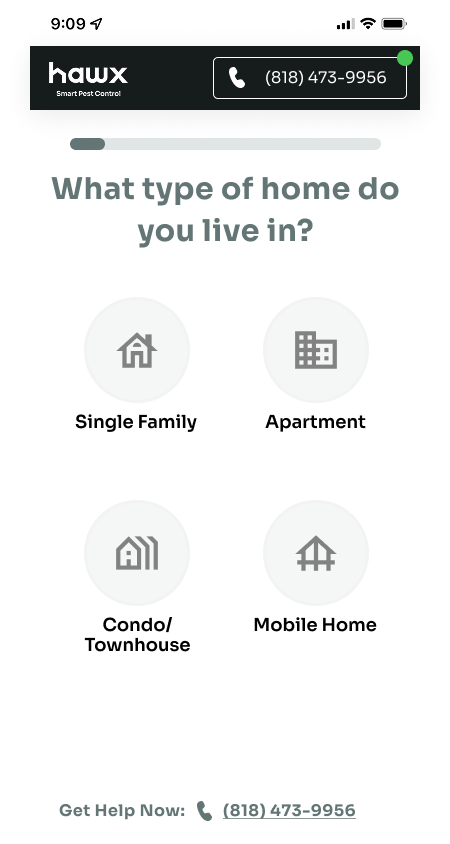
The design philosophy was 'one thing at a time.' Every screen presents a single question with clear, tappable options, no scrolling required. The flow moves the customer naturally from checking their service area to selecting their pest issues, capturing their info along the way. Large touch targets, a persistent progress bar, and a phone number always visible keep the experience frictionless and conversion-focused.
SCREENS
Key screens from the lead capture flow, address verification, pest selection, and confirmation.
01
Home & Pest Profile
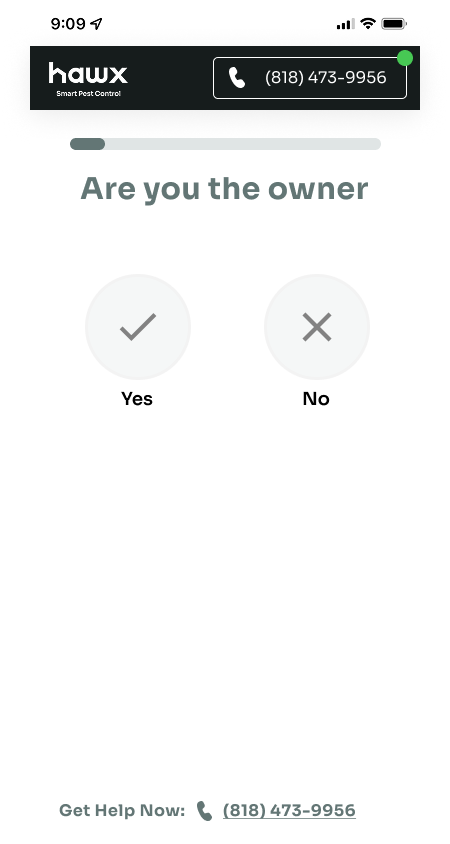
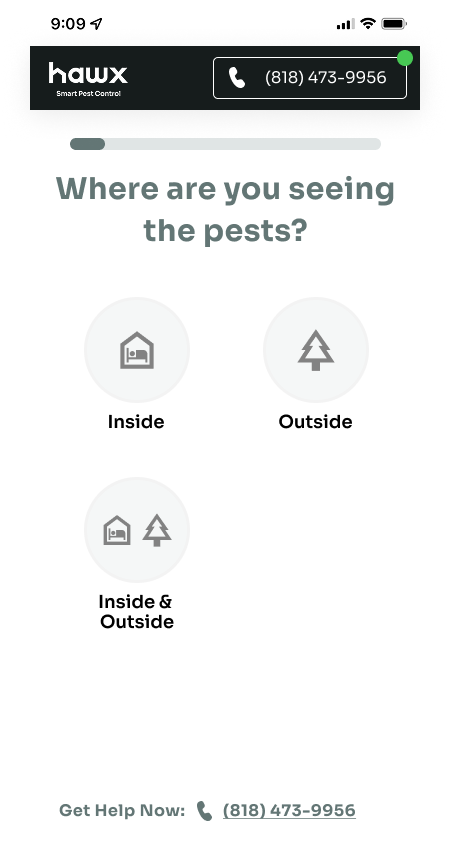
The flow starts by learning about the customer's situation - home type, ownership, and where they're seeing pests. Every screen uses large tappable icons with no scrolling required, keeping the experience fast and focused.
Home Type
Ownership
Pest Location
02
Pest Selection
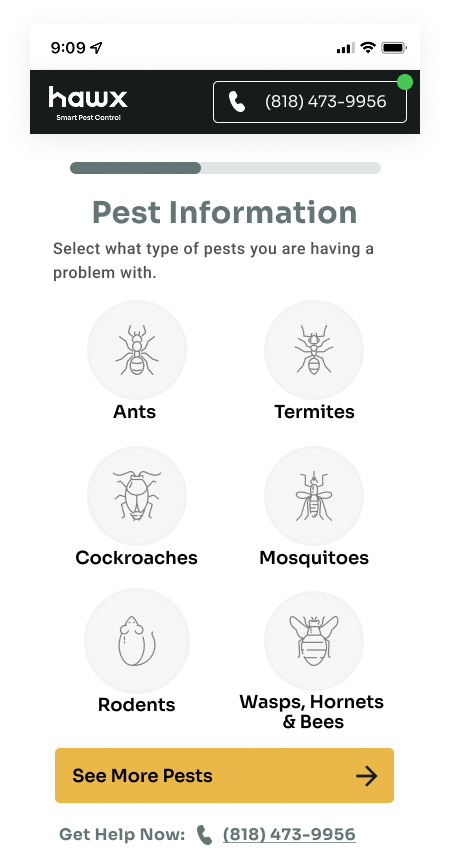
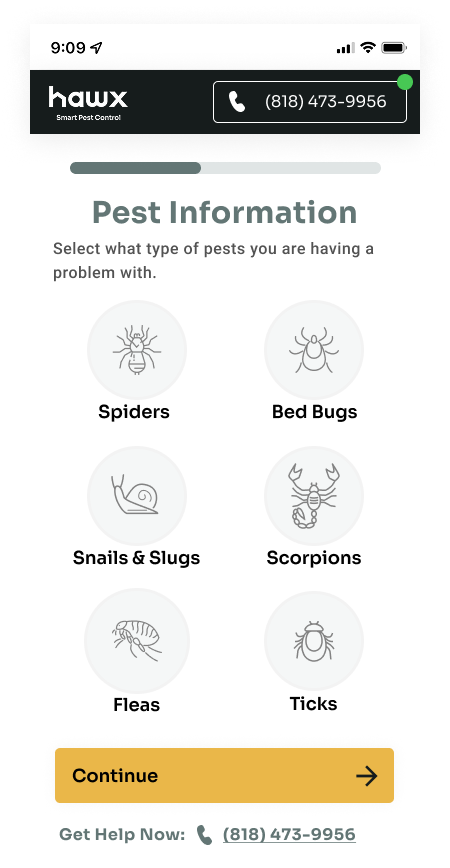
Customers identify their pest issues through illustrated icons. The selection spans two screens of common pests - from ants and termites to scorpions and bed bugs - giving the sales team detailed context before the callback.
Common Pests
More Pests
03
Service Area Check
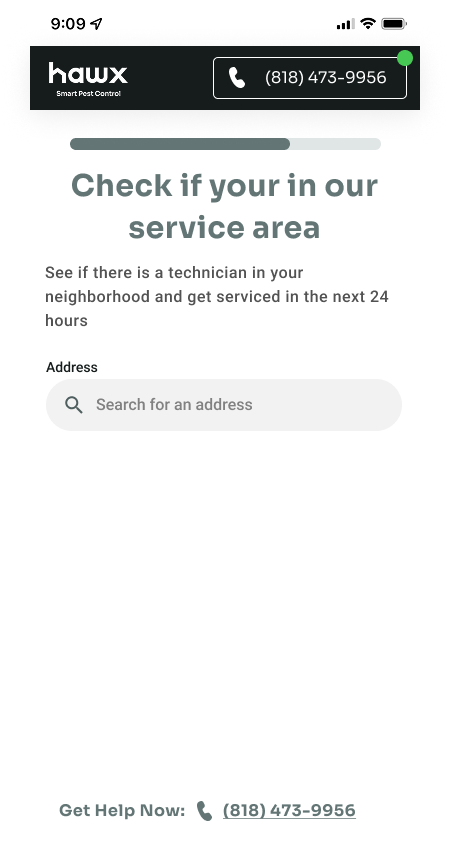
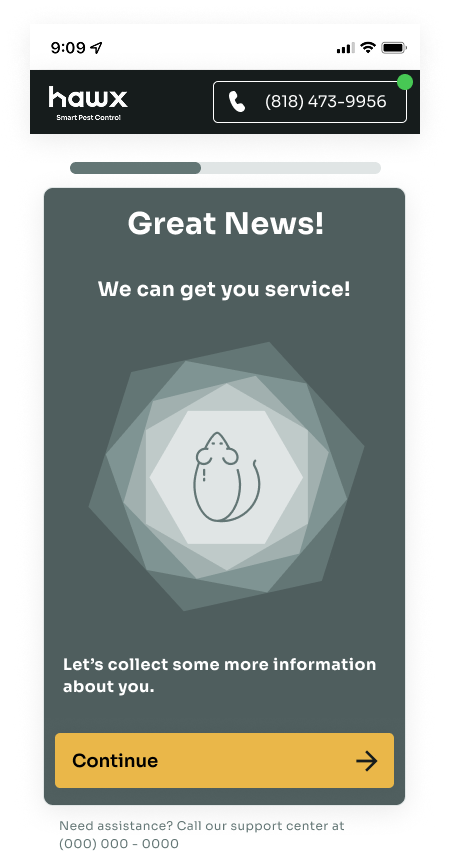
After profiling the pest issue, customers enter their address to confirm Hawx services their area. If they're in range, they see a confirmation screen before moving on to provide their contact details.
Service Area
Service Confirmed
04
Lead Capture & Handoff
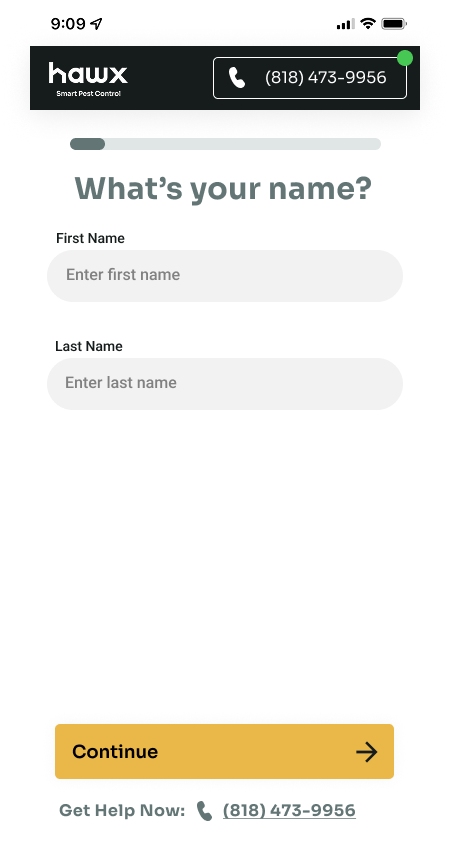
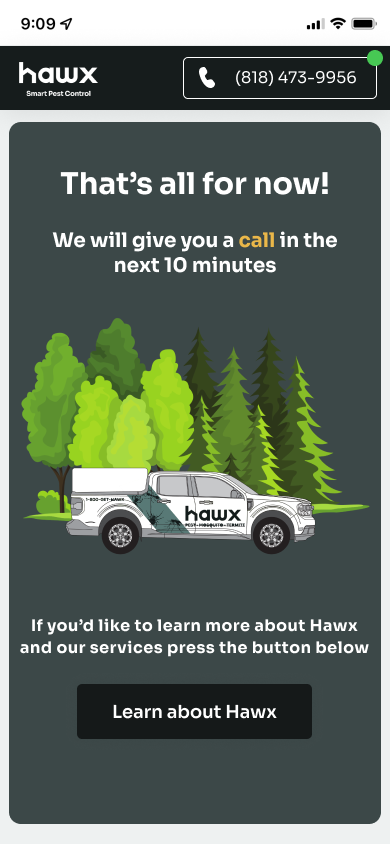
With the pest profile complete, the flow collects name, phone, and email one screen at a time. After submitting, the customer is told to expect a callback within 10 minutes - turning the lead into a warm conversation for the sales team.
Name
Phone Number
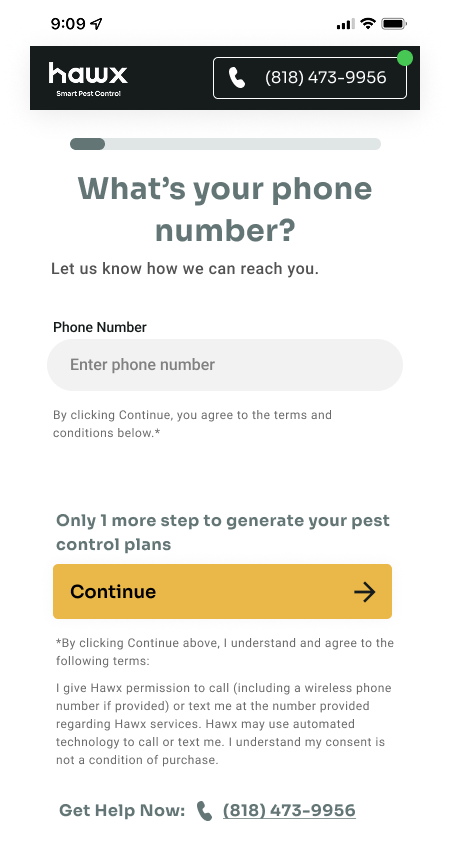
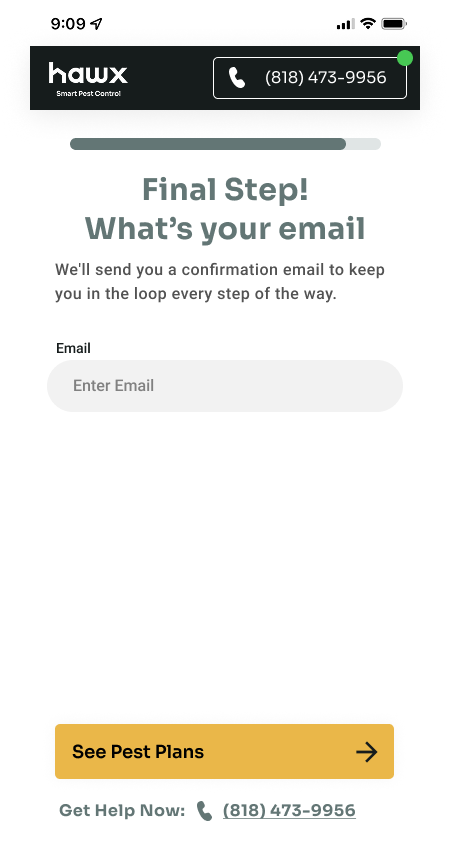
Callback Promise
KEY FEATURES
No-Scroll Mobile Design
Every screen fits within the viewport with no scrolling required. One question per screen with large, tappable options keeps the experience fast and focused on conversion.
Service Area Validation
Customers enter their address upfront to confirm Hawx services their area before investing time in the rest of the flow. If they're in range, they see a confirmation and continue.
Pest & Home Profiling
Visual pest selection with illustrated icons lets customers identify their issue quickly. Combined with home type and pest location data, the sales team gets a complete picture before the callback.
Qualified Lead Handoff
The flow collects name, phone, email, address, home type, pest details, and ownership status, giving the sales team a fully qualified lead and a 10-minute callback promise.