Digital Technician
Sole Designer & Front-End Engineer · Figma / React Native / HTML / CSS/SCSS / JavaScript / GitLab
Overview
Digital Technician is the mobile app used by every Hawx Pest Control service technician to run their day. It handles the full appointment lifecycle: viewing daily routes, starting appointments, reviewing customer notes and concerns, completing a guided service checklist, logging chemical treatments, capturing photos, collecting signatures, and generating service tickets sent directly to the customer. I've worked on this app for over 3 years, first building out new features on the existing foundation, then leading a complete redesign of every page. I owned the redesign end-to-end, spending about 2 months on design in Figma before coding the majority of the front-end.
The Challenge
When I joined, Digital Technician was functional but still growing. Over time we added manager views, leaderboards, quote tracking, multi-photo capture, rescheduling, and NPS scoring, and the app outgrew its original design. The route list, map, and service checklist all struggled to display increasingly complex information, and the UI lacked consistency as new screens were layered on top of old ones.
The Goal
Continuously evolve the app to support every service type Hawx offers (general pest, outdoor, termite, rodent, and more) while keeping the experience fast and intuitive for technicians working in the field, ultimately leading to a full redesign of every page.
The Redesign
The full redesign focused on creating a scalable layout system that could handle all the features added over the years. The route view, map, and service checklist were all rethought to surface the right information at the right time: NPS scores, customer notes, color-coded statuses, and next-day route previews. Designed for one-handed use in the field, the interface prioritizes large touch targets, clear visual states, and minimal text input. Modals and navigation were standardized for consistency across every screen.
BEFORE & AFTER
A complete redesign of every screen. 2 months of design in Figma, then I coded the majority of the front-end.
01
Route List
The daily route now shows NPS scores, star ratings, and color-coded status badges so techs can see what's ahead at a glance. They can also preview tomorrow's route.
Before
After
02
Map View
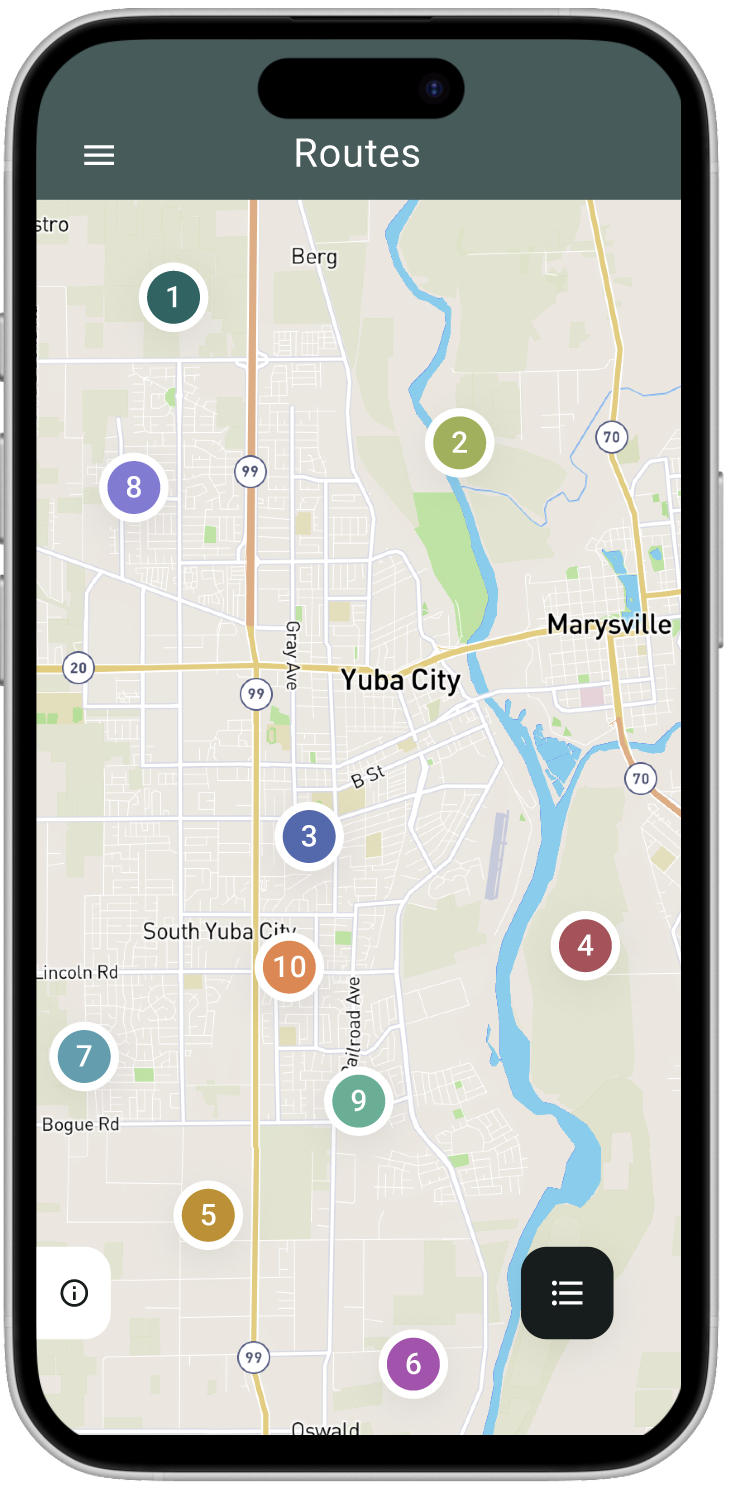
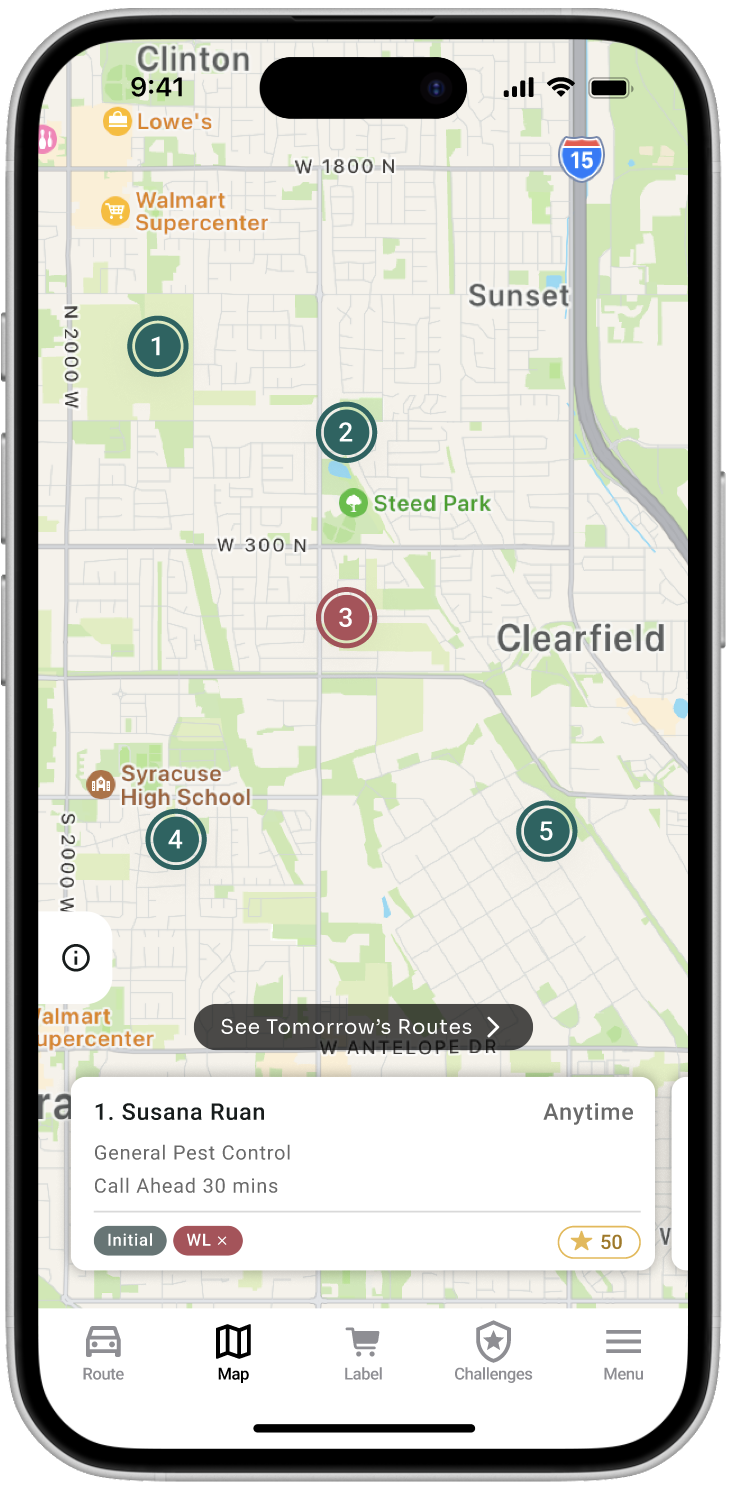
Cleaner numbered pins with color-coded statuses and a customer card preview at the bottom for quick context before arriving at a stop.
Before
After
03
Service Checklist
The flat checklist became a categorized system with sections that adapt to the service type, inline photos, a progress counter, and a clear completion flow.
Before
After
04
Review & Signoff
Reorganized the review page where techs log chemical treatments, collect signatures (required in some states), edit check-in/out times, and finalize the service ticket.
Before
After
05
Menu
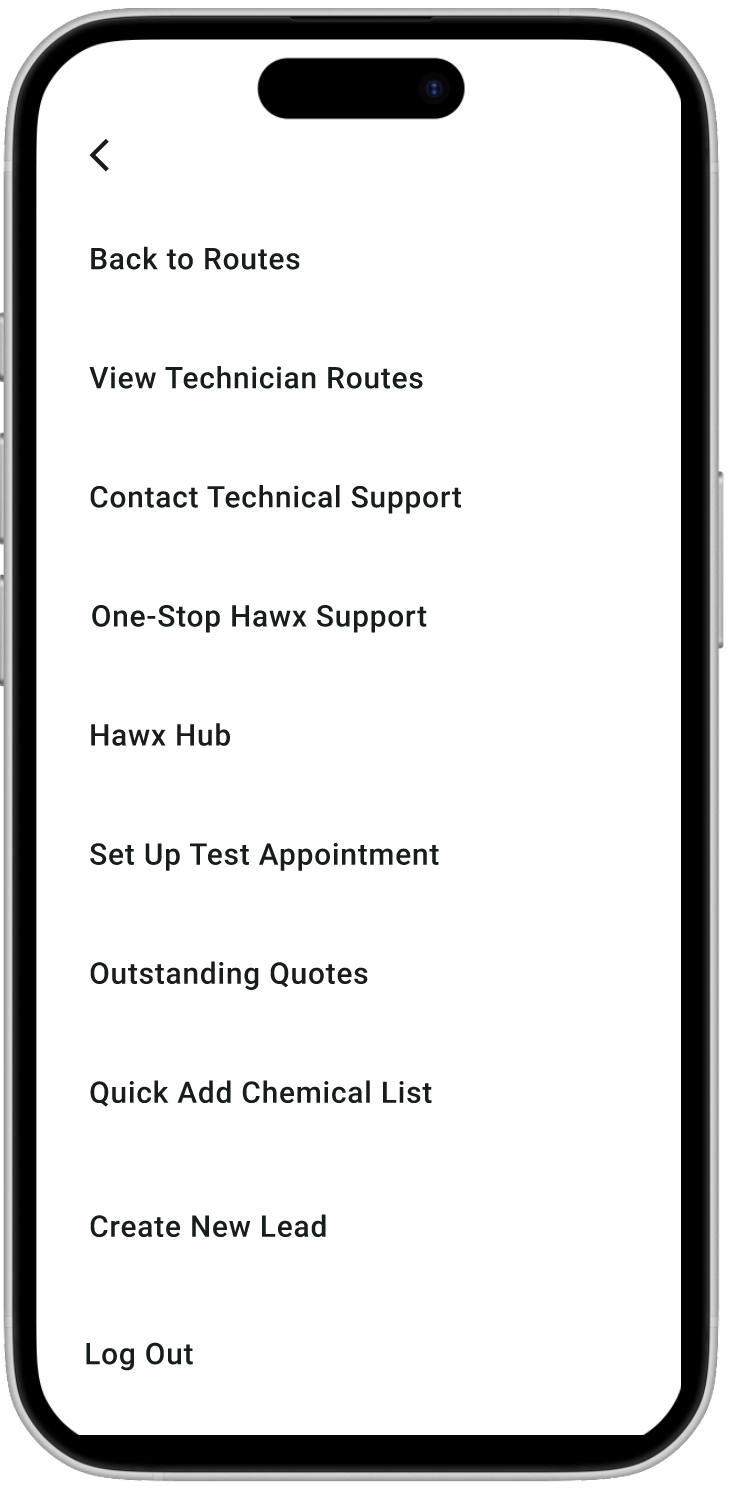
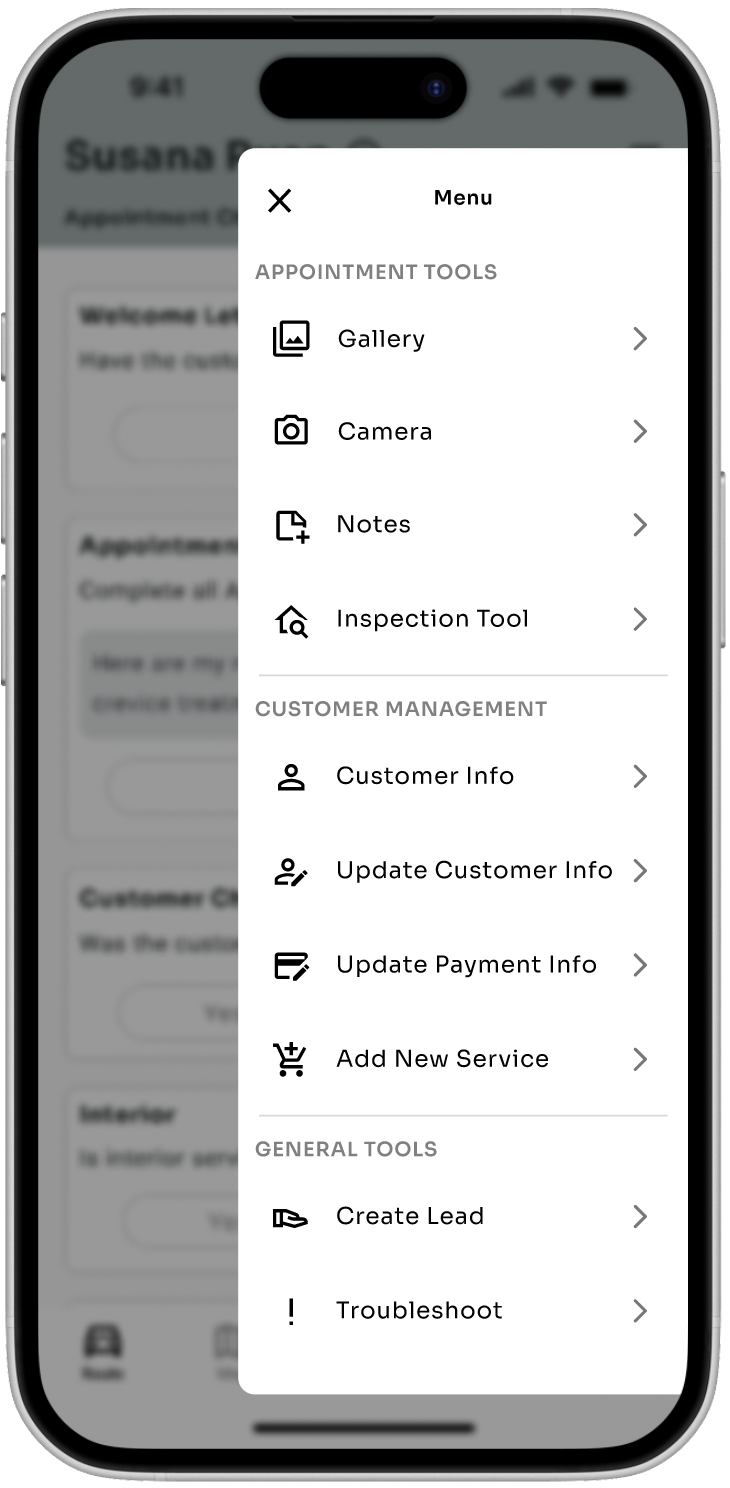
Replaced the plain text list with an organized menu grouped into Appointment Tools, Customer Management, and General Tools with clear icons and navigation.
Before
After
06
Photo Gallery
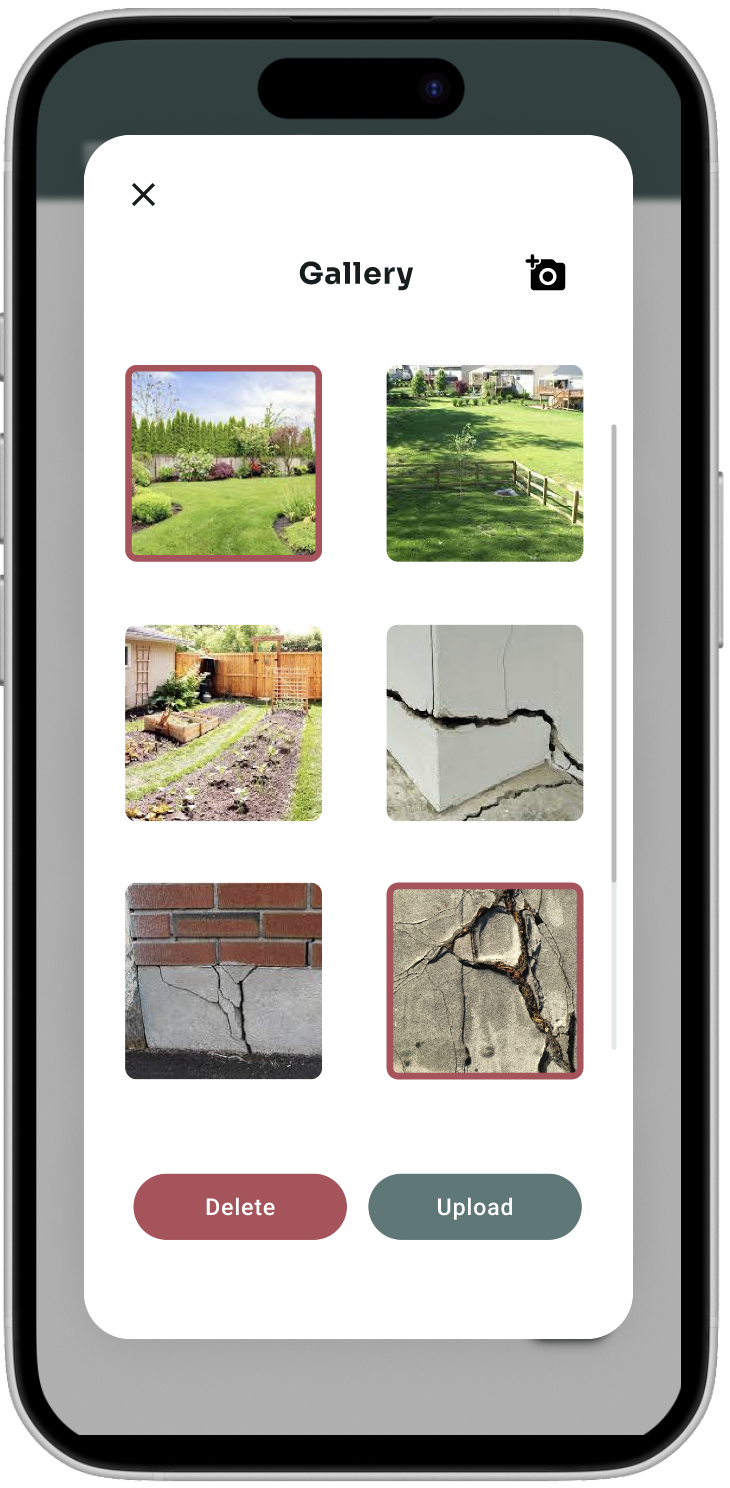
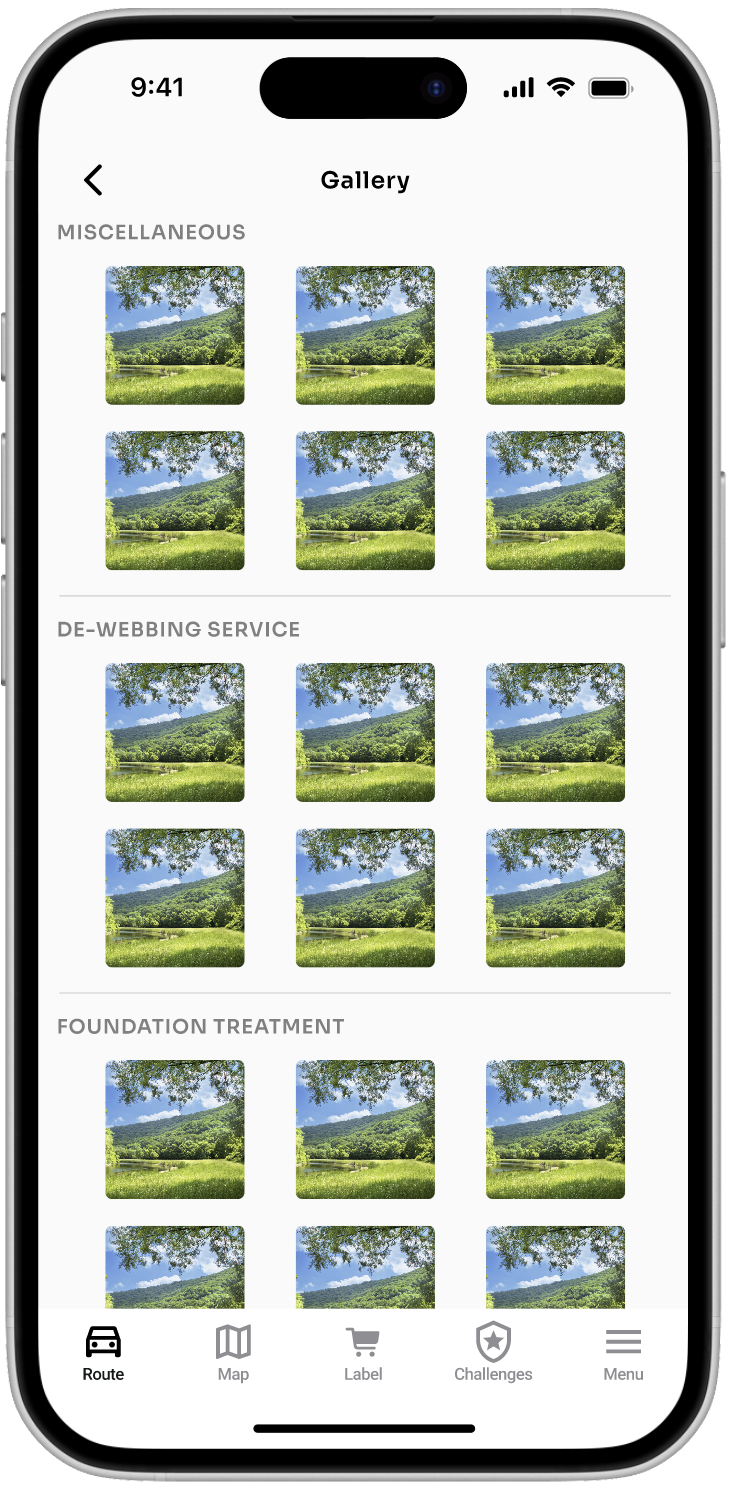
Photos are now organized by service category instead of a flat grid, making it easy to find documentation for specific treatments.
Before
After
07
Appointment Tools
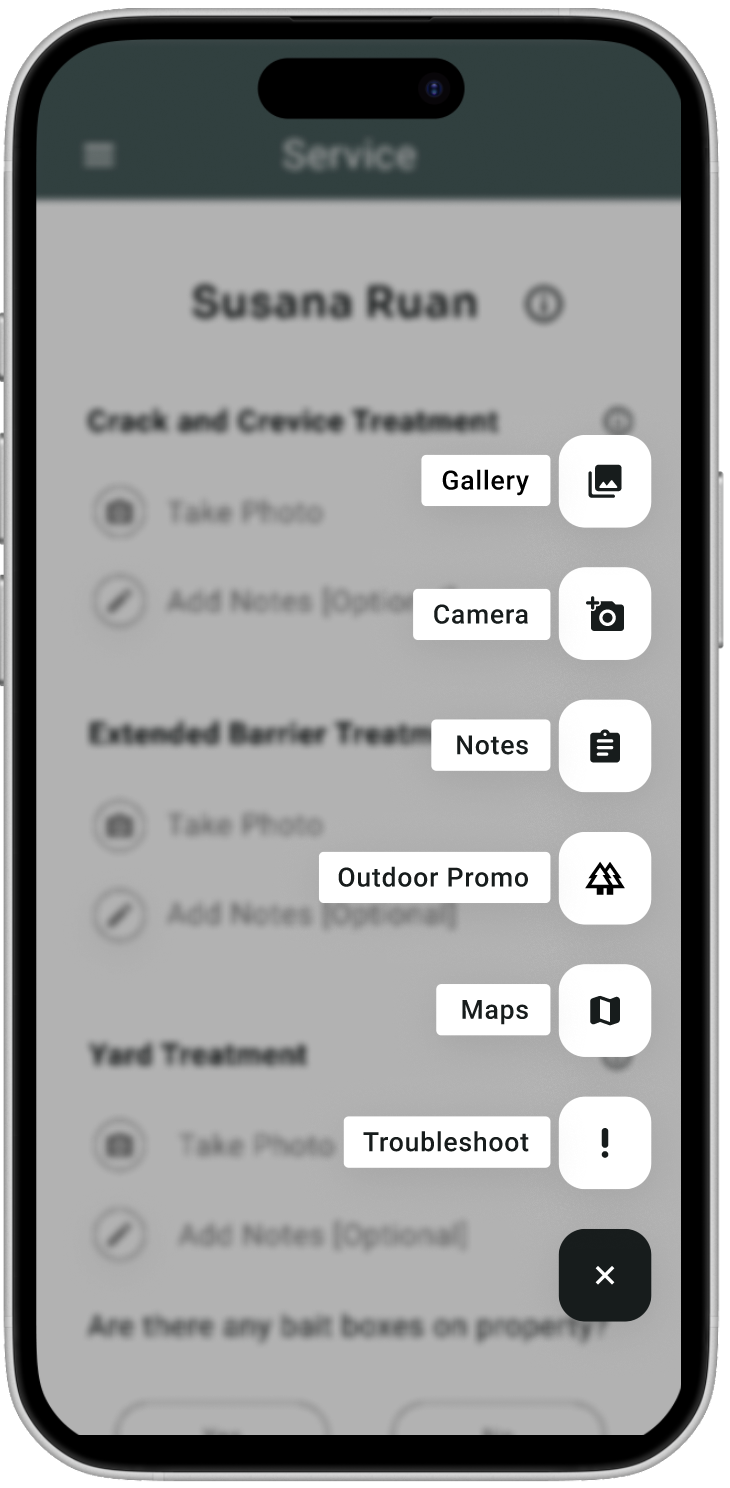
The floating action button was replaced with a structured slide-out menu, giving techs quick access to camera, notes, gallery, customer info, and upsell tools.
Before
After
08
Modal Components
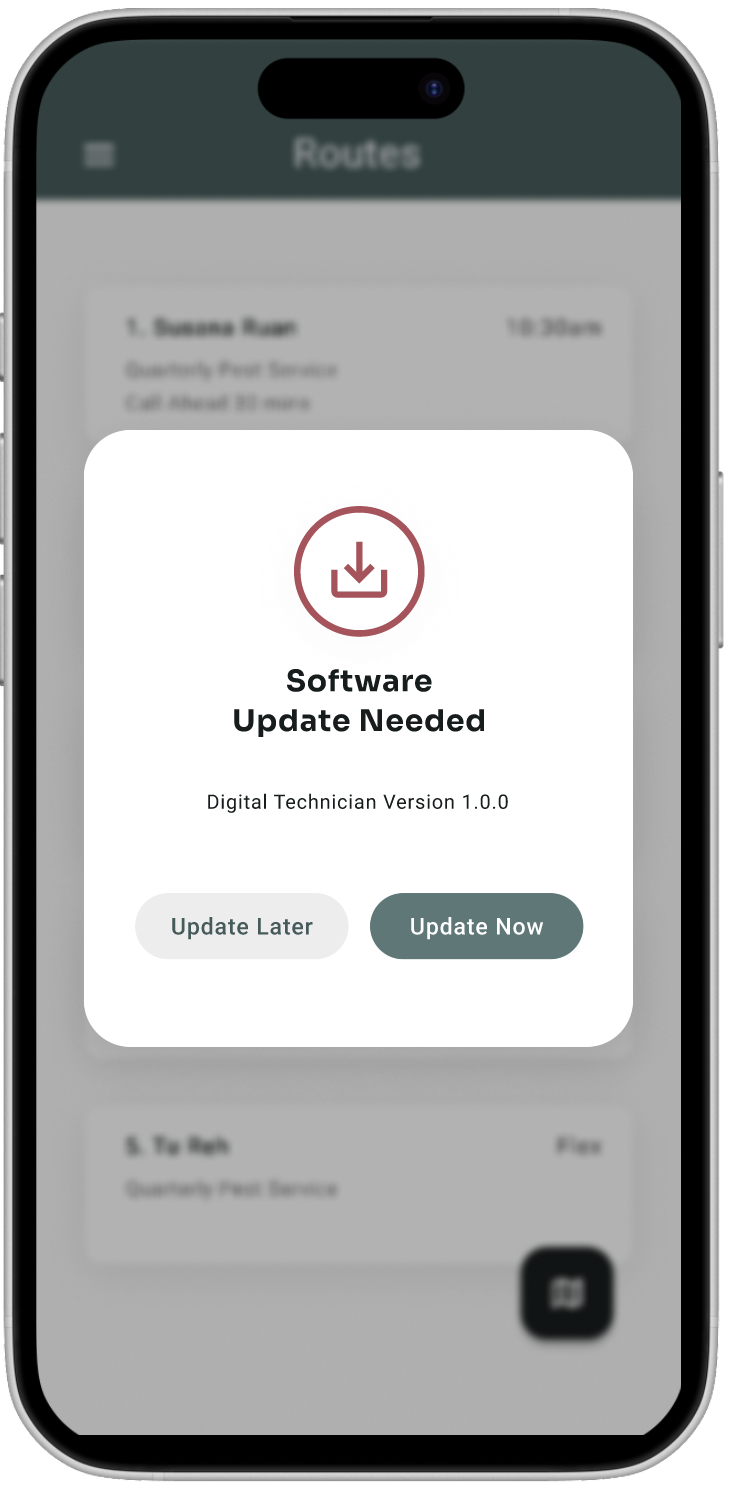
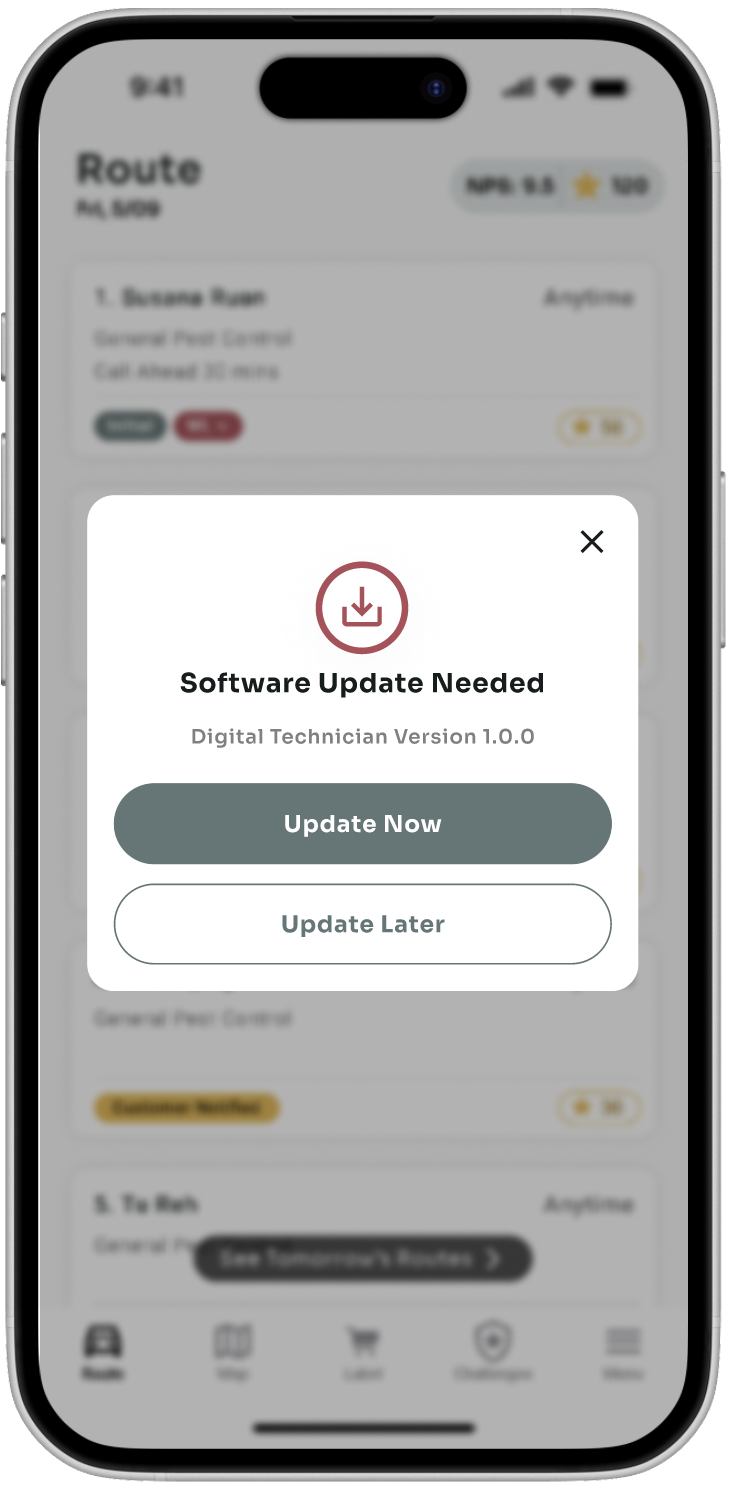
Standardized all modals across the app with a consistent style: close button, full-width stacked actions, and clear visual hierarchy.
Before
After
KEY FEATURES
Daily Route & Map View
Technicians see their full daily route with NPS scores, star ratings, and color-coded status badges. They can also preview the next day's route. The interactive map shows all assigned stops with numbered pins and a customer card preview for quick context.
Customer Concern Visibility
When a tech starts an appointment, customer-reported concerns, door codes, special instructions, and past service history are surfaced immediately so they know exactly what to address before they begin.
Guided Service Checklist
A step-by-step checklist guides techs through every required action for the appointment. The checklist adapts to the service type (general pest, outdoor, termite, rodent) and automatically adds steps for any customer add-ons.
Multi-Photo Documentation
Techs can attach multiple photos and notes to each checklist item, documenting findings and treatment areas. Photos are organized by service category in a gallery for easy review.
Rescheduling & Cancellations
Techs can reschedule, cancel, or schedule follow-up appointments directly in the app with a required reason, keeping the back office in sync without phone calls.
Manager View
Managers can monitor their team's routes, check in on individual technicians, and track service completion across the day.
Quote Tracking
If a customer is interested in an additional service type or add-on during a visit, the tech can create and track a quote on the spot, turning routine appointments into upsell opportunities.
Leaderboards & Points
Techs earn points for completing appointments, with bonuses for running the route in order and for certain service types. Leaderboards show how they stack up, and NPS scores from customer reviews on Applause are tracked alongside performance.